A date picker and a Send button are the visible parts. Reliable messaging depends on what happens when a connection drops, a job retries or someone opts out.
A reliable WhatsApp scheduler runs on the server, respects recipient consent and provider rules, tracks delivery states, and prevents duplicate sends during retries.
Choose the right channel and permissions
For a new business messaging integration, evaluate the official WhatsApp Business Platform and the requirements that apply to your intended conversations. Templates, messaging windows, account setup and pricing can affect the product design. Review the current provider documentation before committing to a workflow.
Keep a record of how recipients agreed to receive messages and provide an appropriate way to stop them. A contact being present in a database is not the same as permission to send promotional messages.
Store what the schedule means
“Every Monday at nine” needs a time zone. Decide whether it follows the business’s local time, the recipient’s local time or a fixed UTC time. Specify what happens when a scheduled time is missed because the service was unavailable.
Our WhatsApp Scheduler project includes recurring weekdays, specific dates, recipients, attachments and active or deactivated schedules. Those controls make the timing visible, while server-side tasks handle execution without leaving a browser open.
Queue work and retry deliberately
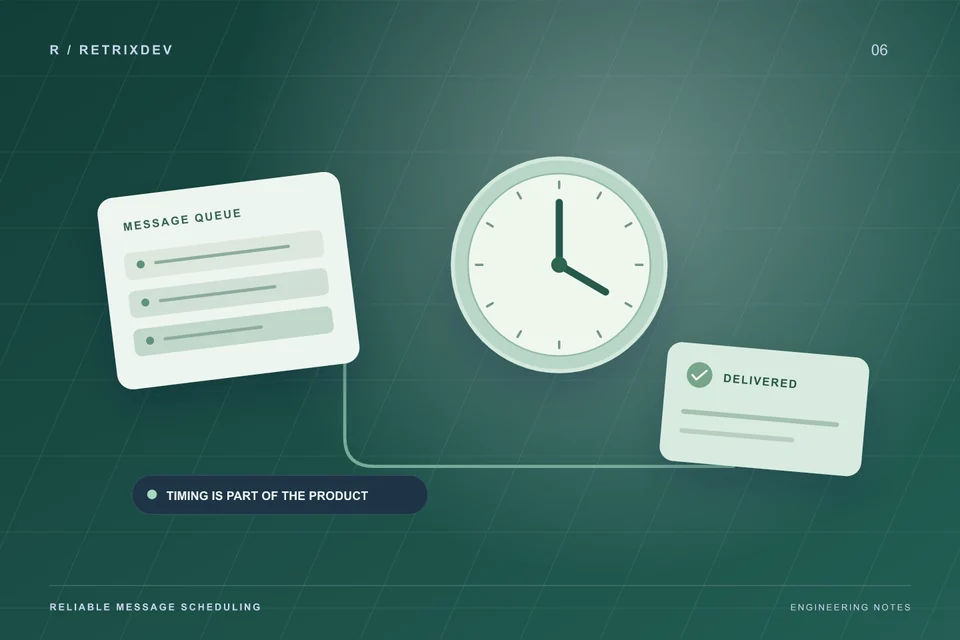
Sending should not depend on a staff member’s browser tab staying open. Store the schedule and use a server process to create send jobs when they are due. Give each intended send a stable identifier so retrying it does not automatically create a second message.
Classify failures before retrying. A temporary timeout may justify another attempt. An invalid recipient, revoked permission or rejected template usually needs a different action. Set retry limits and make exhausted failures visible to someone who can resolve them.
Separate requested, accepted and delivered
An API accepting a request does not prove the recipient received the message. Store provider identifiers and process supported delivery callbacks. Keep the states understandable in the dashboard so operators can see whether work is waiting, accepted, delivered or failed.
Callbacks can arrive more than once or out of order. The application should update the existing message record safely. Avoid changing a later state back to an earlier one because an old event arrived late.
Give people clear controls
Users need to pause schedules, inspect the next run, review recipients and see the last execution result. Decide what happens when a schedule is edited after jobs have already been queued. Cancellation needs to account for both future schedules and pending work.
- Preview the resolved message and attachment before activation.
- Show the schedule’s time zone beside its send time.
- Record who changed or paused the schedule.
- Prevent opted-out contacts from entering new send jobs.
Test before live sends
Use a small set of consenting test recipients to check time zones, attachments, failures, duplicate callbacks and pause behavior. Test a worker restart during processing. Confirm that logs contain enough detail to diagnose the result without unnecessarily retaining message content.
For current platform requirements, consult the WhatsApp Business Platform documentation. If your process needs a custom dashboard or integration, explore our automation development services and share the workflow you want to improve.

Full-stack developer and Linux system administrator at RETRIXDEV. Working across web applications, mobile apps, integrations and deployment.
About Lokesh Nain ↗