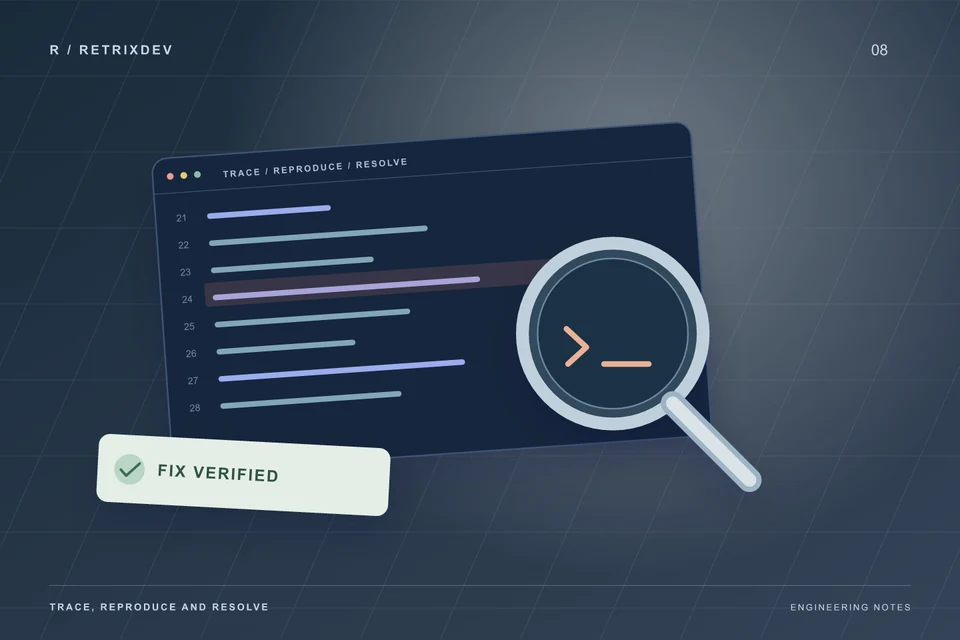
“It stopped working” is a starting point. A clear bug report turns that starting point into something a developer can reproduce, investigate and verify.
For website or app debugging, capture the expected and actual behavior, reproduction steps, affected environment, first occurrence and recent changes. Preserve useful evidence, protect production data and agree on a regression check before applying a fix.
Describe the impact before choosing a fix
Explain who is affected and which action fails. A checkout failure for every customer has a different priority from a layout issue on one phone. Record whether the problem is constant or intermittent, whether there is a usable workaround, and whether the failure affects data already saved.
Avoid changing several settings at once just to see what happens. You can lose the evidence that distinguishes the original fault from a new one. If a recent release caused a serious production problem, identify the last known good release and whether a rollback is compatible with the current database.
Write the shortest reproduction steps
List the exact steps from a known starting state. Include the page or screen, user role, sample input and the expected result. Then record the actual result, including the visible error message. Use test records or anonymized examples rather than private customer data.
For a website, include the browser, operating system and relevant URL. For a mobile app, include the app version, device, OS version and network conditions. For a server task, include the job name, run time and whether it behaves differently when run manually. A screen recording can help with timing, but it should accompany written steps.
Collect logs and configuration facts safely
Useful evidence can include a sanitized stack trace, request status, error timestamp and a correlation or job identifier. Match time zones before comparing a customer report with server logs. State the framework, runtime and dependency versions when they are known.
Remove passwords, API keys, session cookies, authorization headers and personal records before sharing logs. Start a conversation with the symptoms; the developer can then identify the minimum code or environment access needed. Avoid making a production application publicly accessible in debug mode to expose an error.
Separate application, integration and server failures
- Application: does the request reach the intended code path, and does the same input fail consistently?
- Database: are the required records, schema and permissions available in the affected environment?
- External service: are credentials valid, requests within limits, and responses handled when the provider times out?
- Background work: are queue workers and scheduled tasks running against the current release?
- Infrastructure: are storage, DNS, certificates and runtime configuration consistent with the application's requirements?
The same visible symptom can come from different layers. An upload may fail because of validation, a proxy size limit, storage permissions or a stopped processing worker. Investigate the path instead of assuming that the first error text identifies the root cause.
Verify both the fix and nearby workflows
Repeat the original reproduction steps in a suitable test environment. Add the checks most likely to catch a regression: another user role, an empty or invalid input, a second attempt and a provider failure where relevant. For a deployed application, confirm that caches and long-running workers use the new release.
Document what changed, what was tested and what still depends on a third party. Where it is useful and maintainable, add a regression test that reproduces the failure. A screenshot of a successful page load is not enough to prove that a background task or payment callback works.
Send a debugging brief
A useful first message includes the affected feature, business impact, technology stack, reproduction steps, a sanitized error and recent changes. Mention the deadline and whether a staging environment or backup exists. Urgent work still needs an agreed scope and access arrangement; response timing is confirmed for each request.
RETRIXDEV provides website, app and server bug fixing, including build problems, API integrations and deployment issues. See our client feedback and linked Freelancer projects, or describe the issue to discuss the next step. For release-related problems, the Laravel deployment checklist covers queues, scheduled work and recovery checks in more detail.
Useful diagnostic references
The Chrome DevTools Network guide explains how to inspect web requests. The MDN HTTP status reference helps interpret responses. Match all framework-specific troubleshooting to the version your application actually uses.

Full-stack developer and Linux system administrator at RETRIXDEV. Working across web applications, mobile apps, integrations and deployment.
About Lokesh Nain ↗