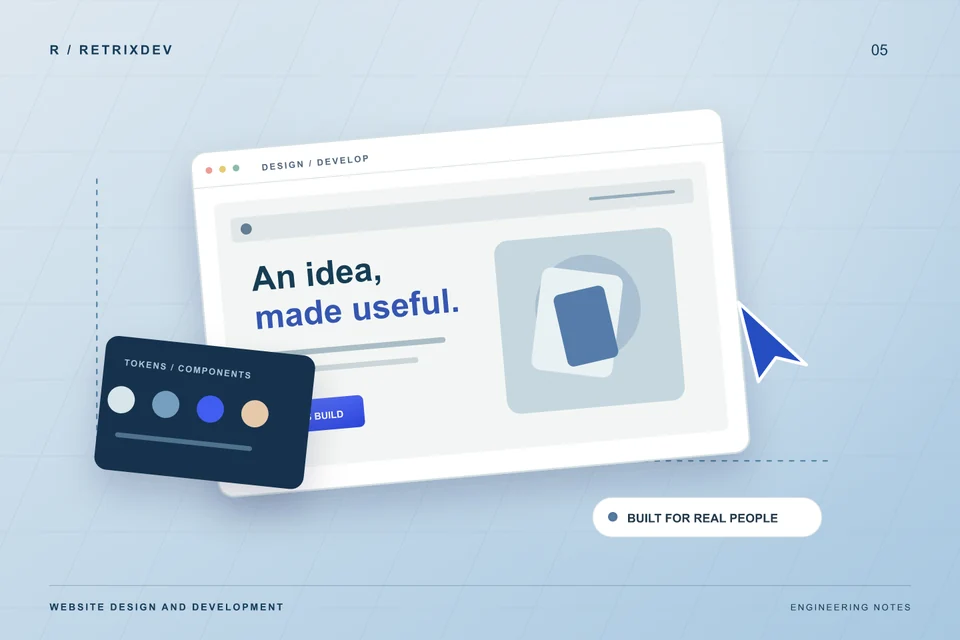
A clear brief helps a developer make better decisions. It also gives you a much better way to compare quotes than asking for “a modern website.”
A useful website brief names the audience, business goal, pages, content, integrations, acceptance checks and ownership. A short document with those details is more valuable than a long list of visual trends.
Name the visitor’s next action
Choose the main action the website should support: enquire, book, buy, apply or contact the team. Describe who the visitor is and what they need to understand before taking that action. A dealership application and a software consultation need different content and forms.
On our CityRYD dealership landing page, the enquiry journey is central to the implementation. The page connects a dealership proposition with signup, SMS consent, OTP verification, GSTIN validation and a WhatsApp enquiry. Each step has a purpose in that business flow.
List pages and who supplies the content
Start with the pages a customer needs to evaluate you: services or products, evidence of work, about, contact and relevant legal information. Identify the photographs, screenshots, descriptions and testimonials available for each page. Confirm that the material can be published.
A project gallery should explain what was built and show real work. If a screenshot contains sample data or a placeholder illustration, label it. Specific, accurate descriptions are useful to visitors and give search engines clearer context than generic claims.
Describe integrations as workflows
For every form, payment or booking system, write down what happens after the visitor submits it. Where is the data stored? Who receives the notification? What happens when the service is unavailable? Does the person see a confirmation that matches what actually happened?
For a static website, direct WhatsApp and email links can be a sensible first step. A form that stores submissions requires a backend or form service, plus decisions about spam protection and data handling. Avoid asking for a form without defining its destination.
Build search foundations into the structure
Give important services their own useful pages. Use descriptive titles, clear headings, crawlable internal links, appropriate image descriptions and a sitemap. Make the business name and contact details consistent. Keep the content focused on the questions a potential customer actually asks.
Search optimization also depends on useful content, reputation and time. Technical checks support discovery; they cannot promise rankings or a fixed number of leads. After launch, monitor which queries and pages bring qualified enquiries and improve the content accordingly.
Agree on launch checks before launch day
Test the navigation, contact actions, forms, important screen sizes and keyboard access. Check image weight, caching, redirects, HTTPS and the final domain. Use a performance report to locate issues, then confirm the site still works as intended after changes.
- Every important page has a distinct title and description.
- Contact actions reach the correct phone number, inbox or platform.
- Images remain legible on mobile and do not cause layout jumps.
- The sitemap contains the canonical, publicly available pages.
- Unknown URLs return a useful 404 page with a real 404 status.
A brief you can copy
We help: [audience]. The website should: [primary action]. Required pages: [list]. Available content: [copy and assets]. Integrations: [systems and what they do]. Launch constraints: [deadline and dependencies]. Ownership: [domain, hosting, source and accounts].
Bring that outline to a project conversation. It gives us enough context to discuss a practical scope for your business website and identify what needs a closer look.

Full-stack developer and Linux system administrator at RETRIXDEV. Working across web applications, mobile apps, integrations and deployment.
About Lokesh Nain ↗