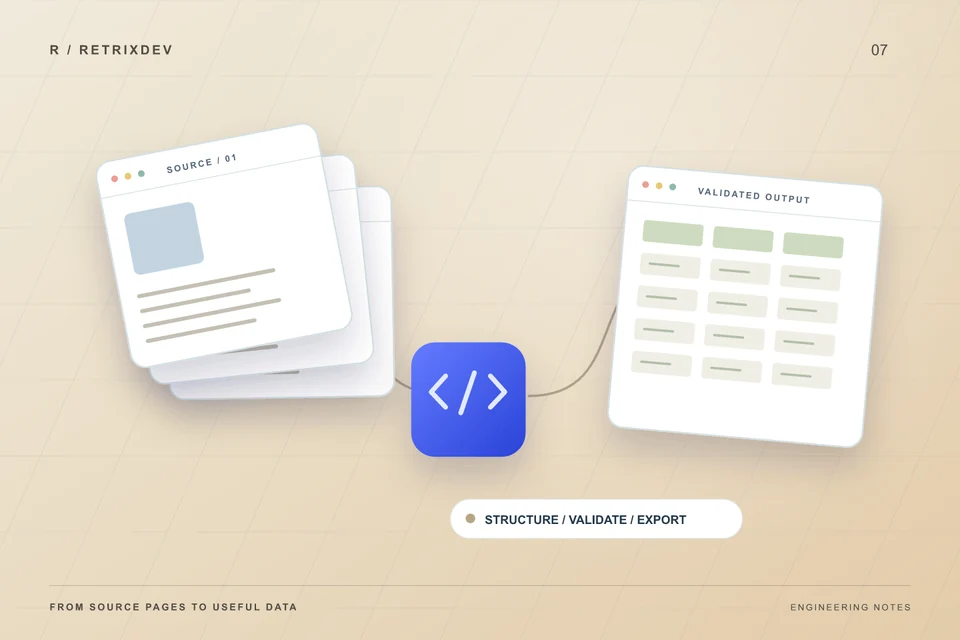
A useful data-collection script starts with a sample of the result you need. The code comes after the source, fields and failure cases are understood.
To scope a Python web scraping project, define an authorized source, exact output fields, expected volume, update frequency and the environment where the script will run. Agree on validation, rate limits and maintenance before estimating the work.
Start with the output, not a list of URLs
Describe what your team will do with the data. A one-time CSV for analysis is a different project from a daily import into a CRM. Provide a small example with the column names, data types and records you expect. Mark which fields are required and what should happen when a value is missing.
For a product catalogue, the specification might include a source URL, stable product identifier, title, price, currency and collection timestamp. Prices should be numeric values with an explicit currency. An unavailable price should remain unknown rather than becoming zero. These choices prevent a successful download from becoming an unreliable business report.
Check the source and available APIs
First check whether the source offers an official API, export or data feed that covers the requirement. Structured interfaces can reduce dependence on page layout and provide documented limits. If browser pages are the appropriate source, identify whether the relevant content is present in the HTML or loaded later by JavaScript.
Access rights, website terms and source restrictions belong in the scoping conversation. Authentication is not permission to collect every available field, and a robots.txt file does not grant legal authorization. Collect only the information needed for the agreed task. Private customer records, personal information and restricted content require a separate assessment.
Choose a script, browser worker or scheduled service
A Python HTTP client and HTML parser may be enough for static pages. A browser automation worker may be needed when an authorized workflow depends on JavaScript rendering. Browser workers consume more memory and need additional deployment care, so the choice should follow the source's behavior.
Confirm whether the tool runs on a laptop, a Linux VPS or another managed environment. For scheduled work, define the time zone, maximum run duration and behavior when a previous run has not finished. Credentials belong in the runtime's secret configuration, not in source code, a spreadsheet or the initial project brief.
Design for limits, duplicates and changes
- Bound the work: agree on page counts, request rates, timeouts and stop conditions.
- Retry carefully: distinguish temporary network failures from missing pages or denied access. Respect service limits and avoid endless retry loops.
- Keep records stable: choose a reliable identifier and define whether a repeat run updates existing rows or produces a dated snapshot.
- Make changes visible: alert when a required field disappears, page structure changes or output drops unexpectedly.
A script that finishes without raising an exception can still return incomplete data. Record how many items were requested, found, rejected and saved. Keep useful error details while avoiding sensitive data in logs.
Agree on a small acceptance sample
Review a representative sample before scaling up. Include records with missing fields, multiple pages, unusual characters and repeated identifiers. Check the exported file in the application that will consume it. If a spreadsheet is the destination, handle untrusted values so they are not interpreted as formulas.
Test a second run, a timeout and a changed source response. Confirm that a failed run cannot replace a good output file with a partial one. The handover should explain installation, configuration, scheduling, output format and where to look when a run needs attention. Source websites can change later; ongoing maintenance should be scoped explicitly.
A brief you can send to a developer
- Source URLs, available API/export documentation and your authorization to use the source.
- An anonymized output example with required fields and formatting rules.
- Estimated record count, update frequency and where the tool will run.
- How duplicates, missing values and failed runs should be handled.
- The destination: CSV, JSON, a database or an existing application.
RETRIXDEV builds Python scripts, web scrapers and custom automation tools. If the job also needs scheduling or deployment, our Linux server support can be scoped with it. Send a short project outline with a sample output to discuss the requirements.
Technical references
Useful implementation references include the Python CSV documentation, Requests timeout guidance and Beautiful Soup documentation. Choose tools after reviewing the actual source and delivery requirements.

Full-stack developer and Linux system administrator at RETRIXDEV. Working across web applications, mobile apps, integrations and deployment.
About Lokesh Nain ↗